Bot Providers
Introduction
Bot Providers enable Casibase to integrate with enterprise messaging platforms. Through bot interfaces, Casibase can receive messages, process them with AI models, and respond in real-time within workplace communication tools.
These integrations allow teams to access Casibase's AI knowledge base capabilities directly from their familiar messaging applications without switching contexts or opening separate interfaces.
Adding a Bot Provider
Bot providers connect Casibase to enterprise messaging platforms. Follow these steps to configure one:
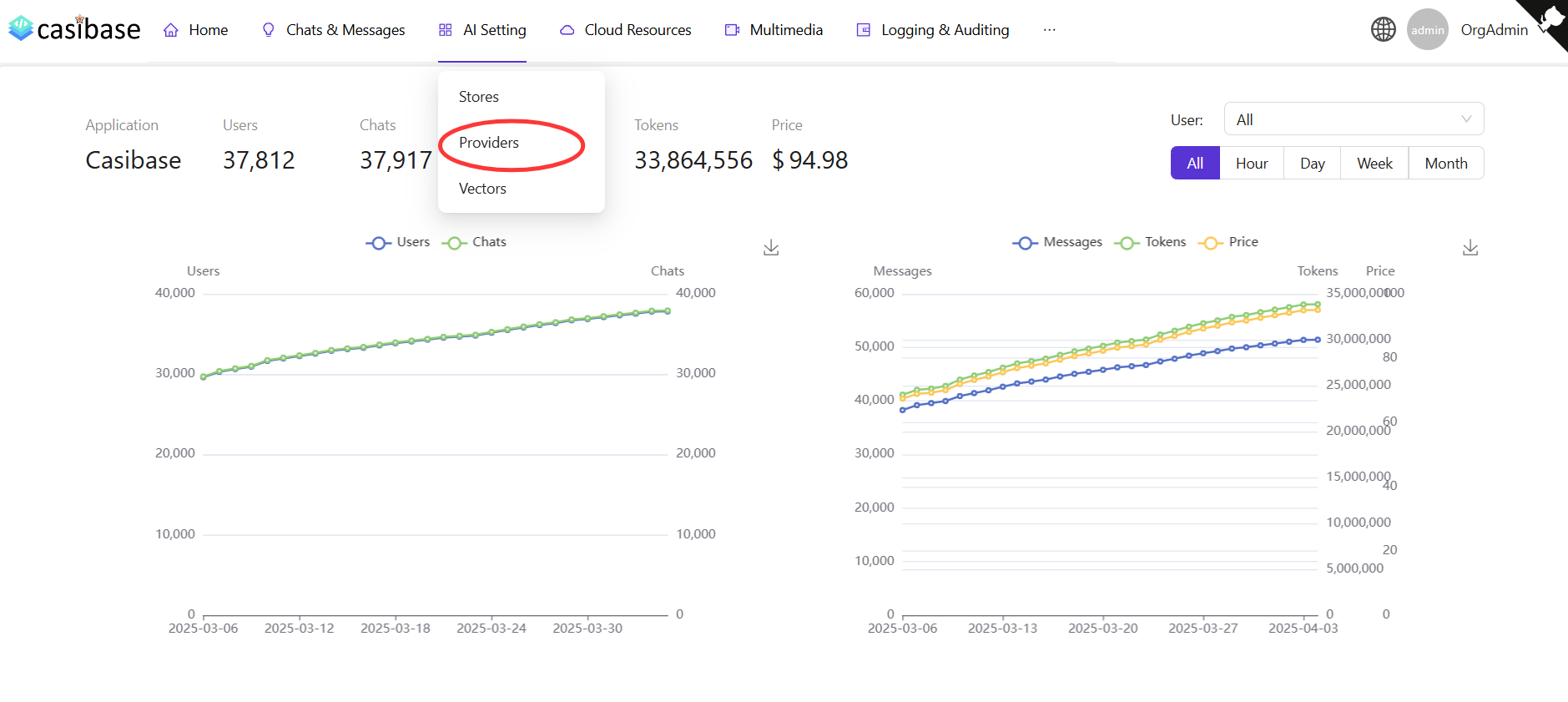
Click the Providers button on the page.
Click the Add button to add a new provider.
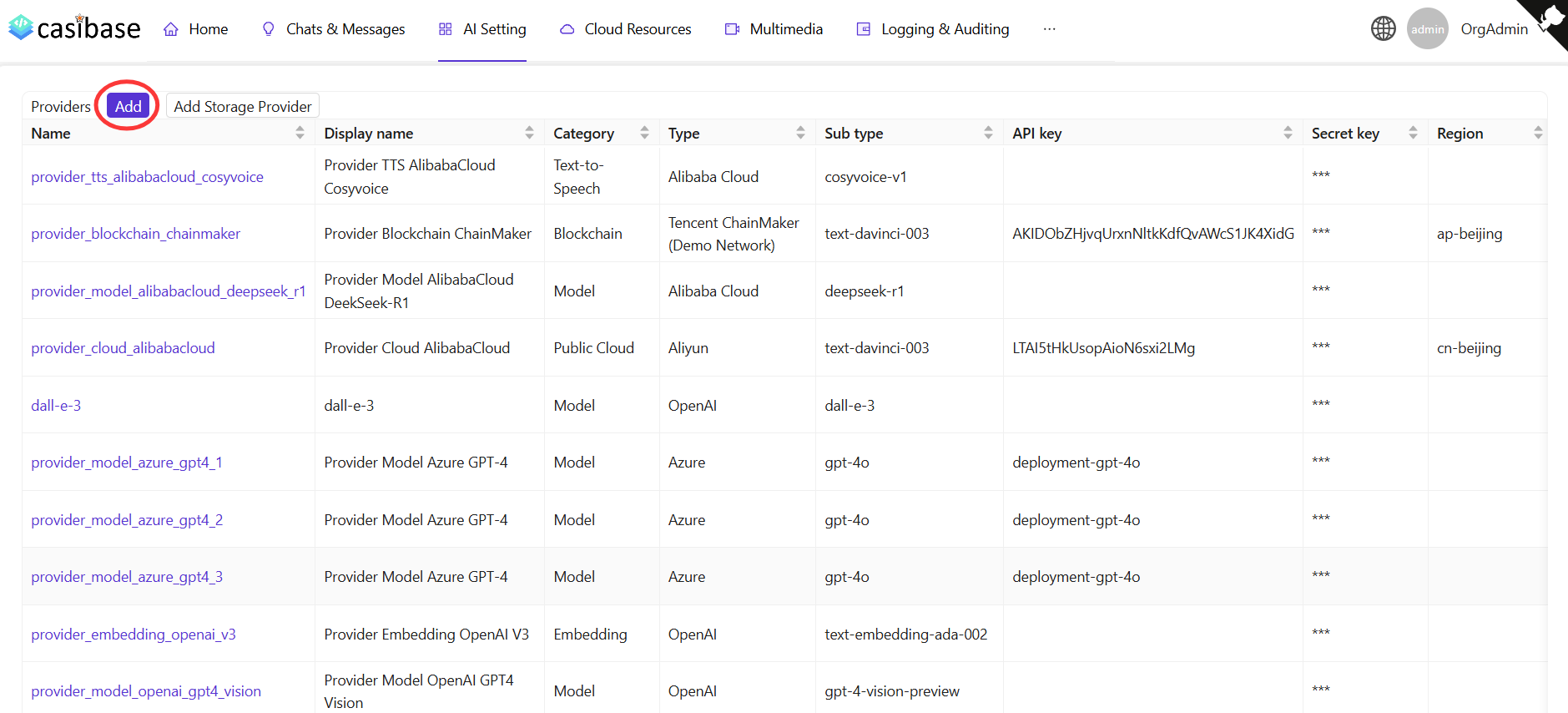
Select "Bot" as the category and fill in the provider details, then click Save & Exit.
WeCom Bot Provider
The WeCom Bot Provider integrates Casibase with WeCom (WeChat Work), enabling AI-powered responses within WeCom conversations.
Configuration
To configure a WeCom Bot Provider, you need three credentials from the WeCom Admin Console:
- Bot ID: The unique identifier for your WeCom bot (also called
aibotid). Found in the bot application details page. - Token: The verification token you set when configuring the bot's callback settings in WeCom.
- AES Key: The encoding AES key (EncodingAESKey) you set for message encryption/decryption in the callback configuration.
How It Works
The WeCom Bot Provider processes messages through the following flow:
- WeCom sends encrypted messages to the callback URL
- Casibase decrypts the message using the configured AES key and token
- The text content is processed by the default store's AI model
- Casibase generates a response and encrypts it
- The encrypted response is sent back to WeCom
The provider supports streaming responses, which provide better user experience by showing incremental progress as the AI generates the answer.
Callback URL
After creating the provider, configure the callback URL in WeCom's bot settings:
https://your-casibase-domain/api/wecom-bot/callback/{botId}
Replace {botId} with your actual Bot ID. WeCom will verify this URL before activating the bot.
Casibase currently supports the following Bot provider:
- WeCom (WeChat Work)
- WeCom Bot